
Description
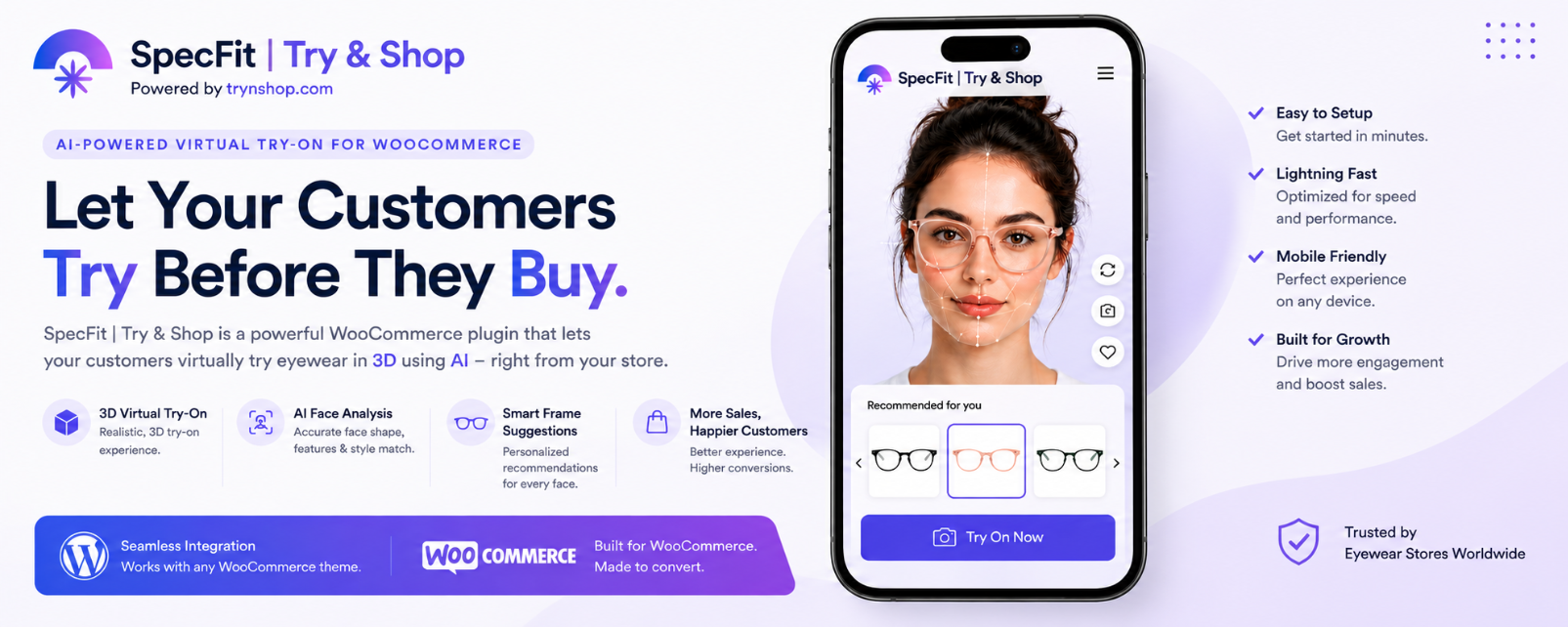
SpecFit enables customers to virtually try eyeglasses, sunglasses, and optical frames directly from WooCommerce product pages using mobile cameras or desktop webcams.
The virtual try-on technology, AI processing, product rendering, and 3D pipeline are powered by TrynShop.
Demo
TrynShop demo store:
https://trynshop.com/shop/dugudlabs
Shortcode Fallbacks
If your theme does not render the default WooCommerce hooks correctly, you can place these shortcodes manually:
-
Category page try-on widget:
[specfit_tryon_widget] -
Product page try-on button:
[specfit_product_tryon_button]
Screenshots


Installation
- Install and activate the plugin.
- You will be redirected to the SpecFit setup page.
- Enter your email address and verify the OTP.
- Select the Free plan.
- Enter your shop information and link your shop.
- The embedded TrynShop product manager will list your WooCommerce products.
- For each product, select the front and side images, then request 3D try-on.
- The try-on model is usually ready in 1-2 hours. Once ready, virtual try-on is enabled for that product.
FAQ
-
Does this require WooCommerce?
-
Yes. WooCommerce must be installed and activated.
-
Does this support 3D virtual try-on?
-
Yes. 3D-enabled products are processed through TrynShop Studio.
Reviews


Contributors & Developers
“SpecFit | Try & Shop – AI Virtual Try-On for WooCommerce” is open source software. The following people have contributed to this plugin.
Contributors
Translate “SpecFit | Try & Shop – AI Virtual Try-On for WooCommerce” into your language.
Interested in development?
Browse the code, check out the SVN repository, or subscribe to the development log by RSS.
Changelog
10.0.37
Improved WordPress update metadata and automatic Try On status synchronization.
10.0.33
Major update with TrynShop integration, AI-powered virtual try-on improvements, automatic product processing, and cloud-powered synchronization support.